Add Hardware to Manager Portal
Add Hardware to Manager Portal
Scope
Intended Audience: All Users
This article outlines how to add hardware to a domain in the manager portal.
Requirements
- Office Manager Access to the Manager Portal or higher
Device Make, Model, and MAC Address
- Log in to the Manager Portal.
- Navigate to the domain needed.
- Navigate to Inventory > Phone Hardware

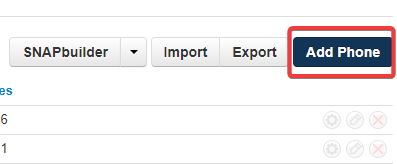
- Click Add Phone.
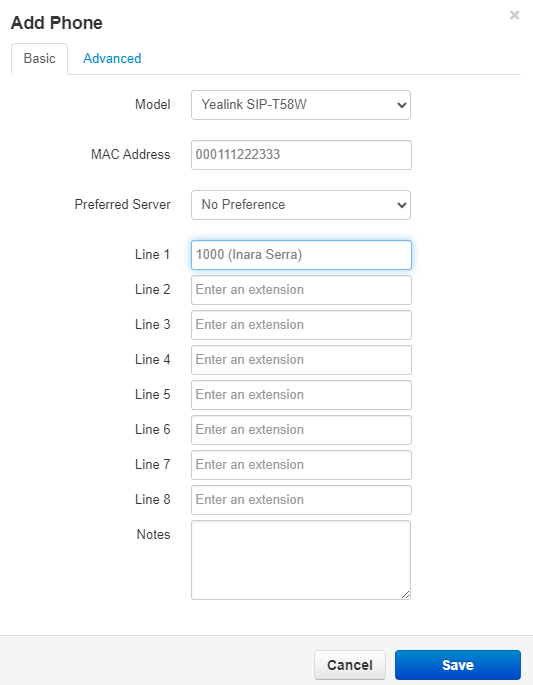
- Enter the Make, Model, and MAC Address of the phone.
- Under Line 1, enter the extension of the device you wish to assign.
NOTE: Ensure no other devices are using the current extension. For example, if a device already has 1000 assigned, you will need to create a SIP device for 1000a. - Click Save.